A modern alternative to Trikker
Trikker has been a staple for drawing single-line diagrams in Belgium for years. Voltuno pursues the same goal — AREI-compliant diagrams and site plans — but entirely in your browser: nothing to install, your projects safely stored in the cloud. Choose whichever fits the way you work.
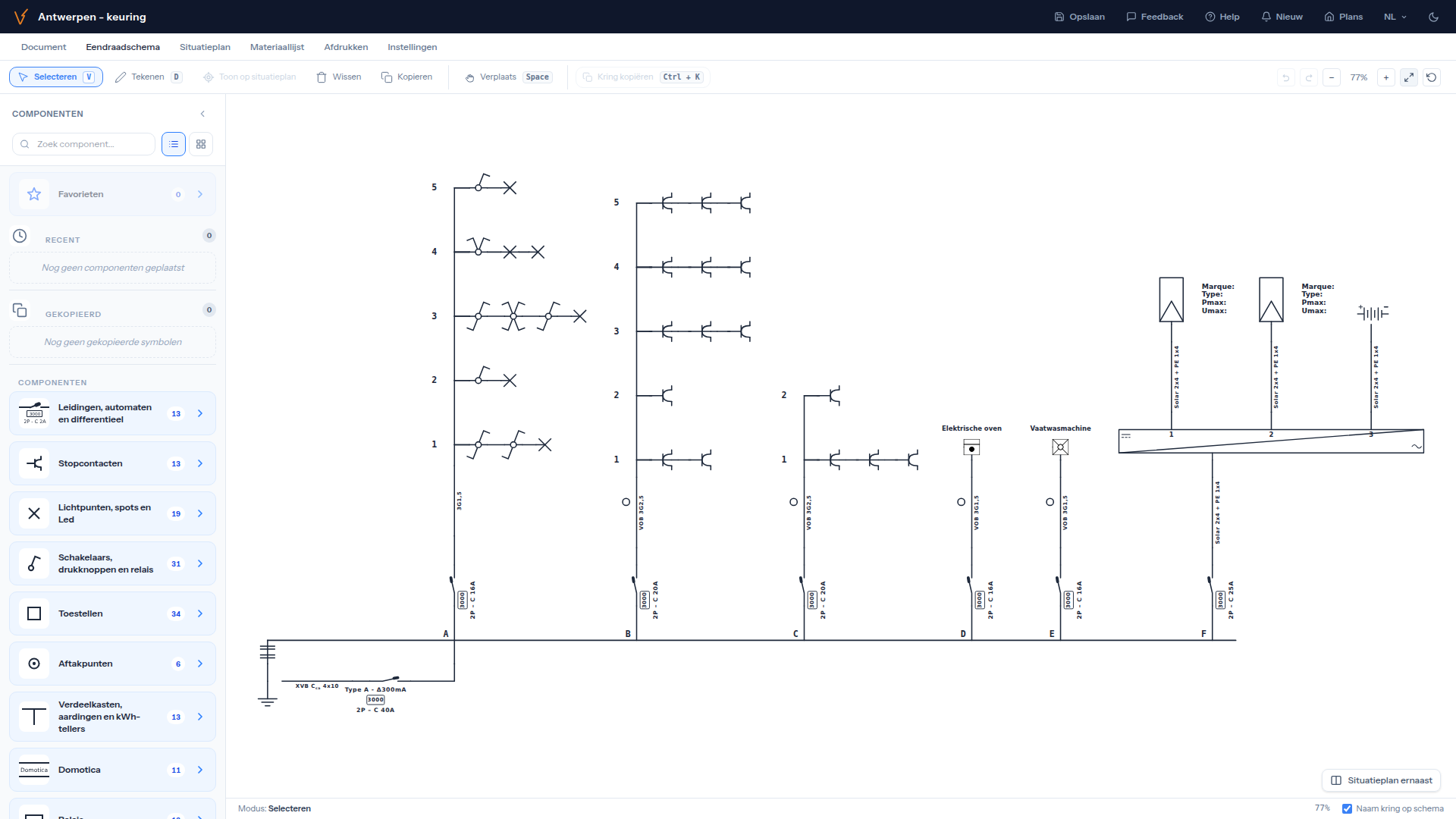
What Trikker and Voltuno both do
Both tools are built for the Belgian electrician and produce the documents you need for the inspection:
- Single-line diagrams with the official AREI symbols
- Site plans drawn on your floor plan
- A print-ready inspection file, exported as PDF
How is Voltuno different?
The biggest difference is where you work. Trikker is a program you install on a Windows PC. Voltuno runs entirely in the browser, so it works just as well on a MacBook, a Linux laptop or a tablet on site.
- Nothing to install and always the latest version — just open a tab
- Cloud storage with autosave: your diagrams are safe even if your laptop dies
- Pick up where you left off, on any device
- Start for free, no payment details required
When does Trikker remain a fine choice?
Honestly: if you work exclusively on a single Windows PC, prefer locally installed software and have no need for cloud storage, Trikker does its job well. The best way to compare? Try Voltuno for free and draw your next diagram in the browser — you'll feel the difference right away.
What you get with Voltuno
Try the difference yourself
Create a free account and draw your first single-line diagram in minutes. No installation, no payment details — just open and draw.